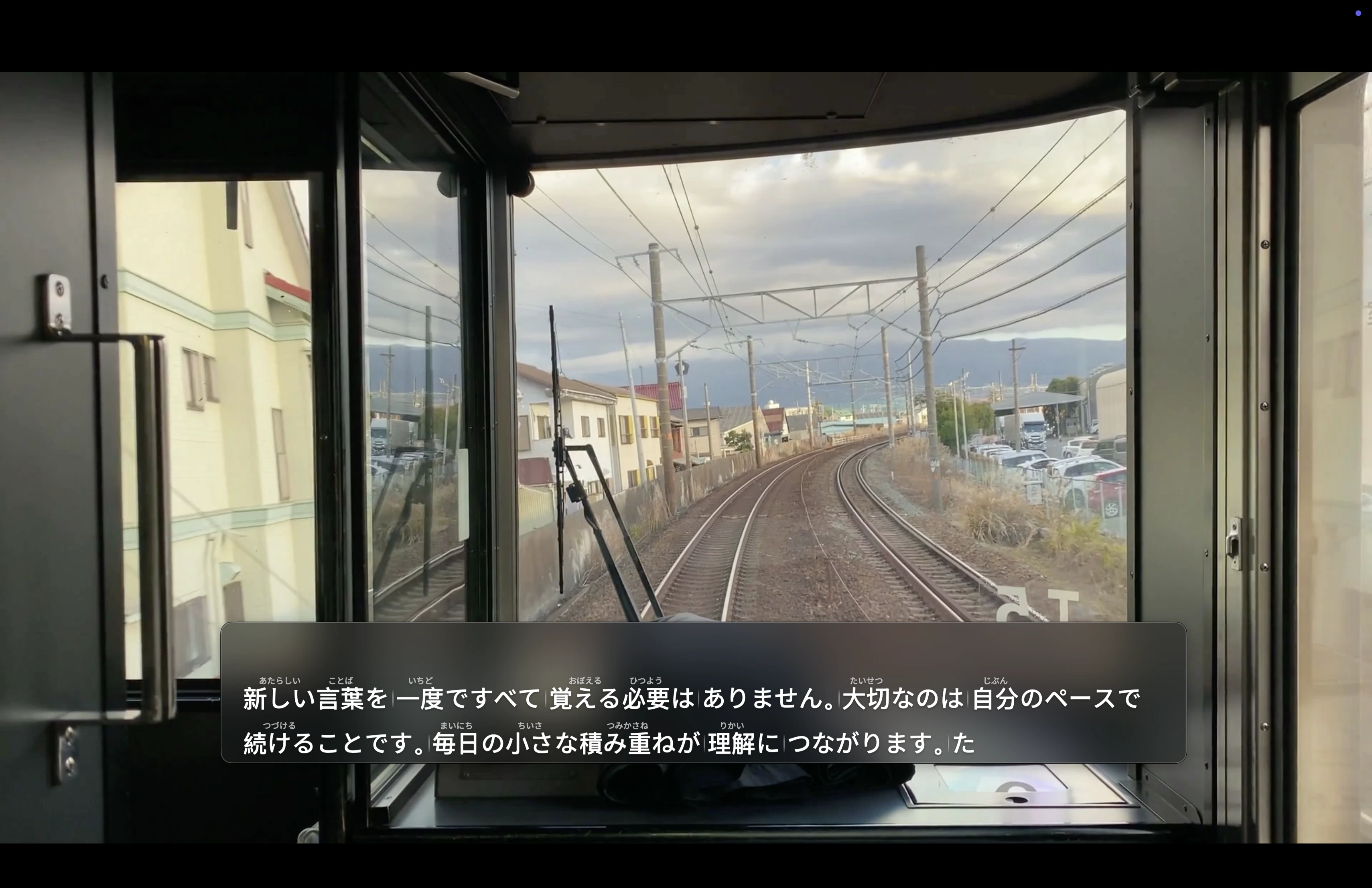
Choose content
Select any supported browser or Mac app that is playing the language you are learning.
 PhraseLens
Immersive captions for self-directed language learning
Turn audio from the Mac app you choose into selectable captions, then look up a phrase with a source you trust—without leaving your flow.
One focused learning loop
Select any supported browser or Mac app that is playing the language you are learning.
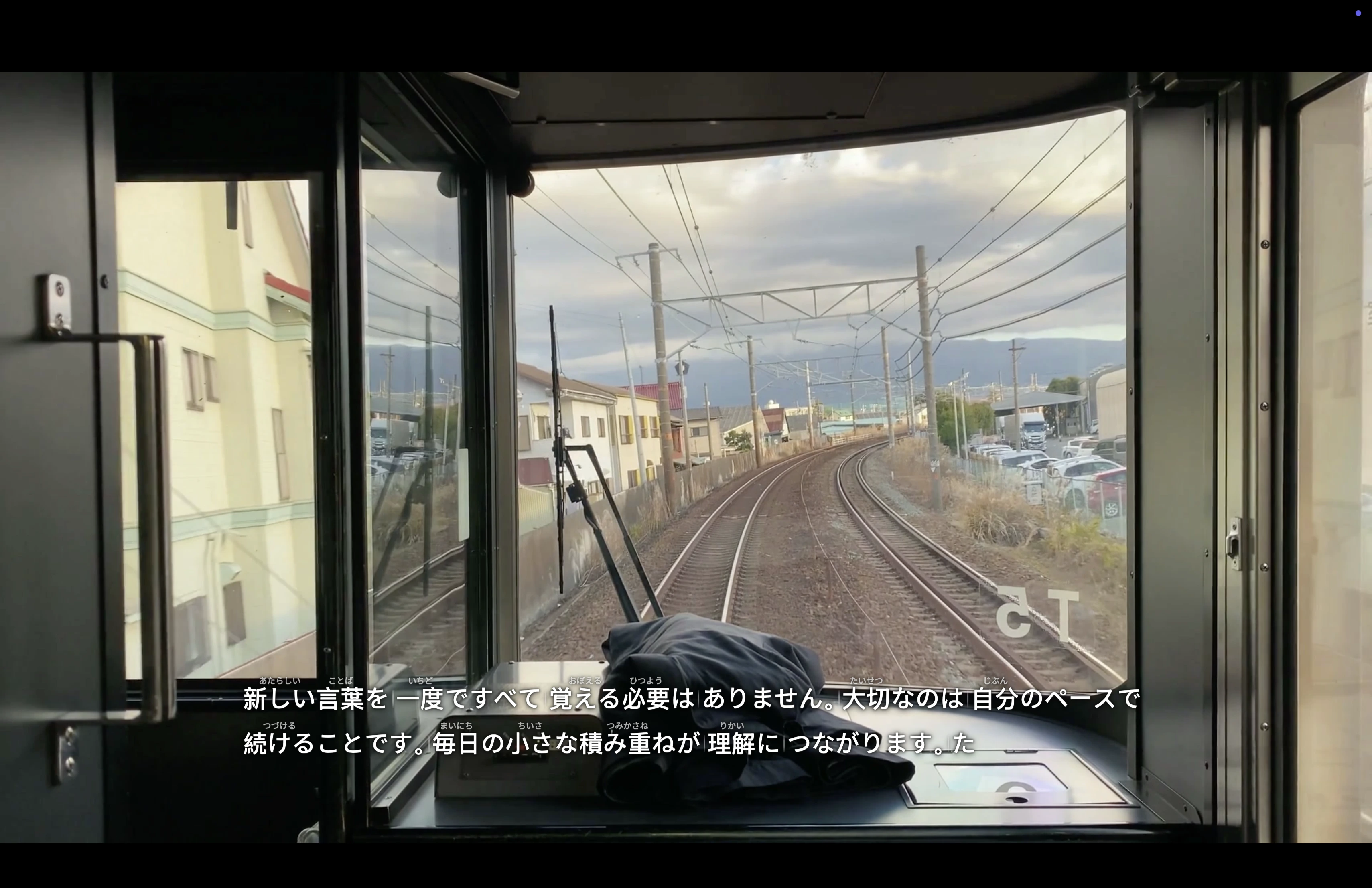
PhraseLens turns the selected audio into live captions using an on-device Apple speech model.
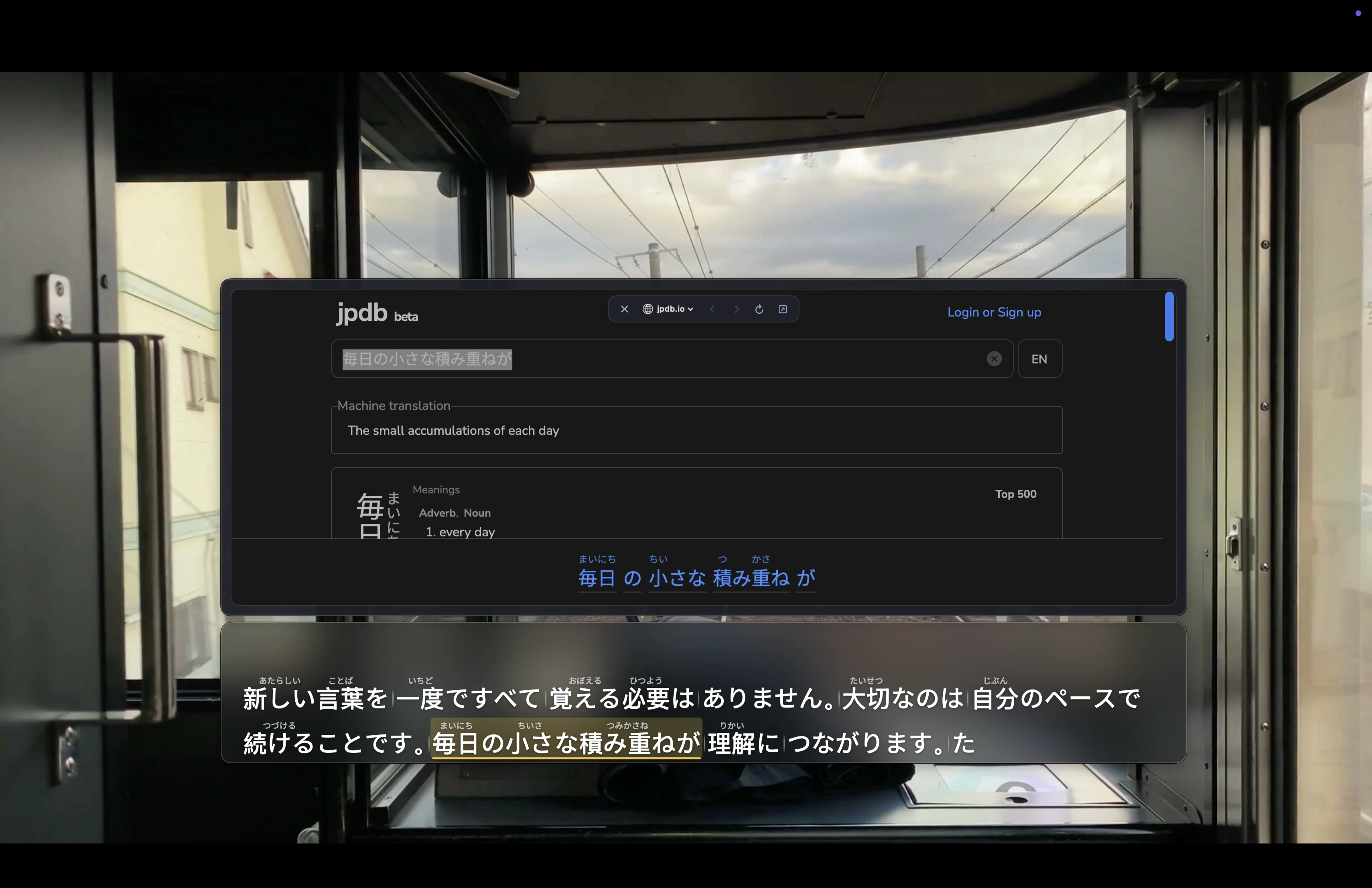
Highlight a caption phrase—or switch between Phrases and Sentences—to choose exactly what to explore.
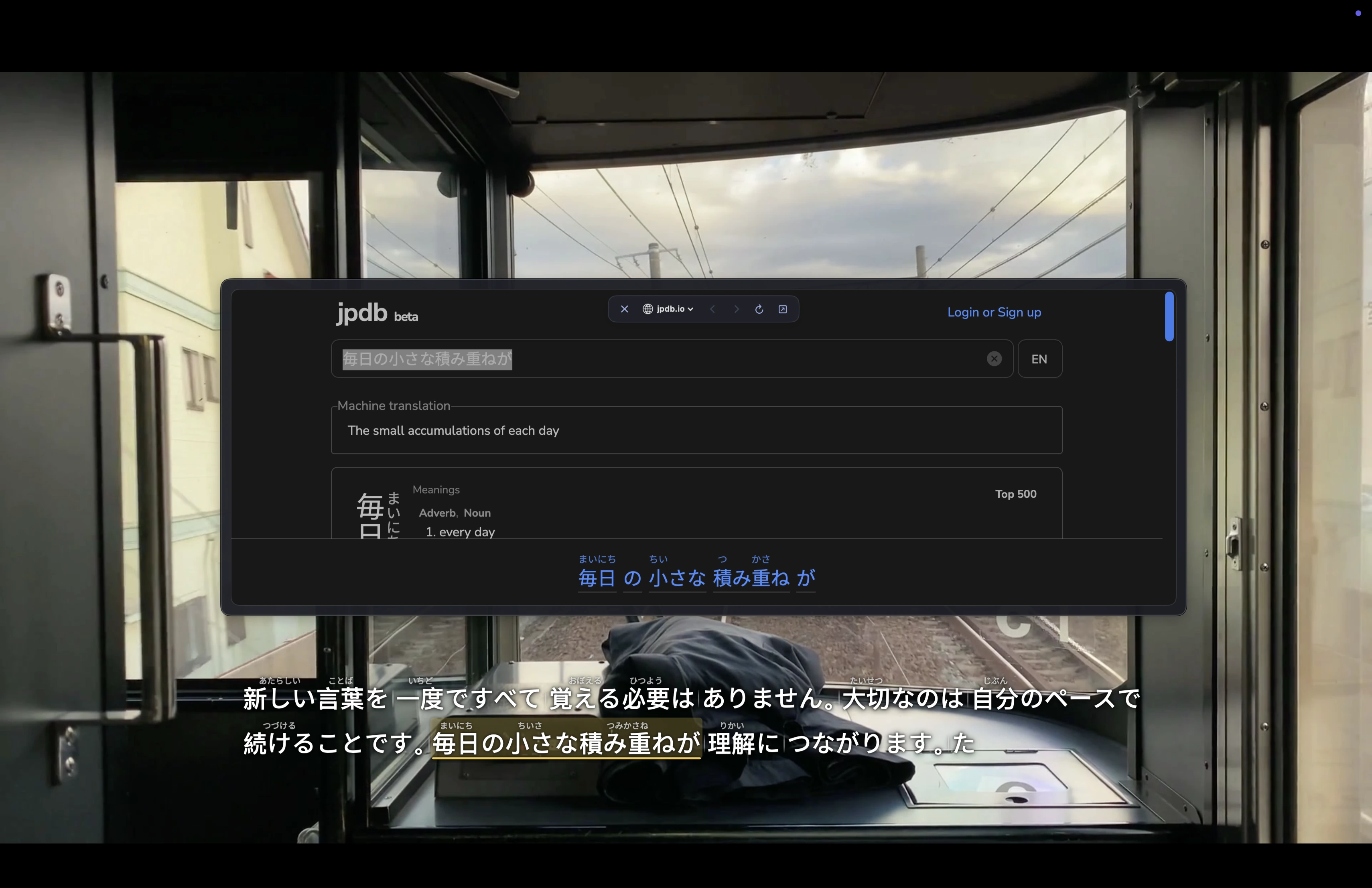
Open the selected text in your current lookup site, then return to the content with your context intact.
See the learning loop
PhraseLens stays over the content you chose, then brings your preferred lookup source into the same learning moment.
Your content. Your sources. Your flow.
Japanese captions can show furigana and useful phrase grouping. PhraseLens also recognizes English and Simplified Chinese.
Use the dictionaries, learning databases, or search sites you trust. Add them as Lookup Destinations instead of sending every Caption Phrase to one fixed source.
Speech recognition runs on your Mac. There is no PhraseLens account, advertising, or cloud transcript history.
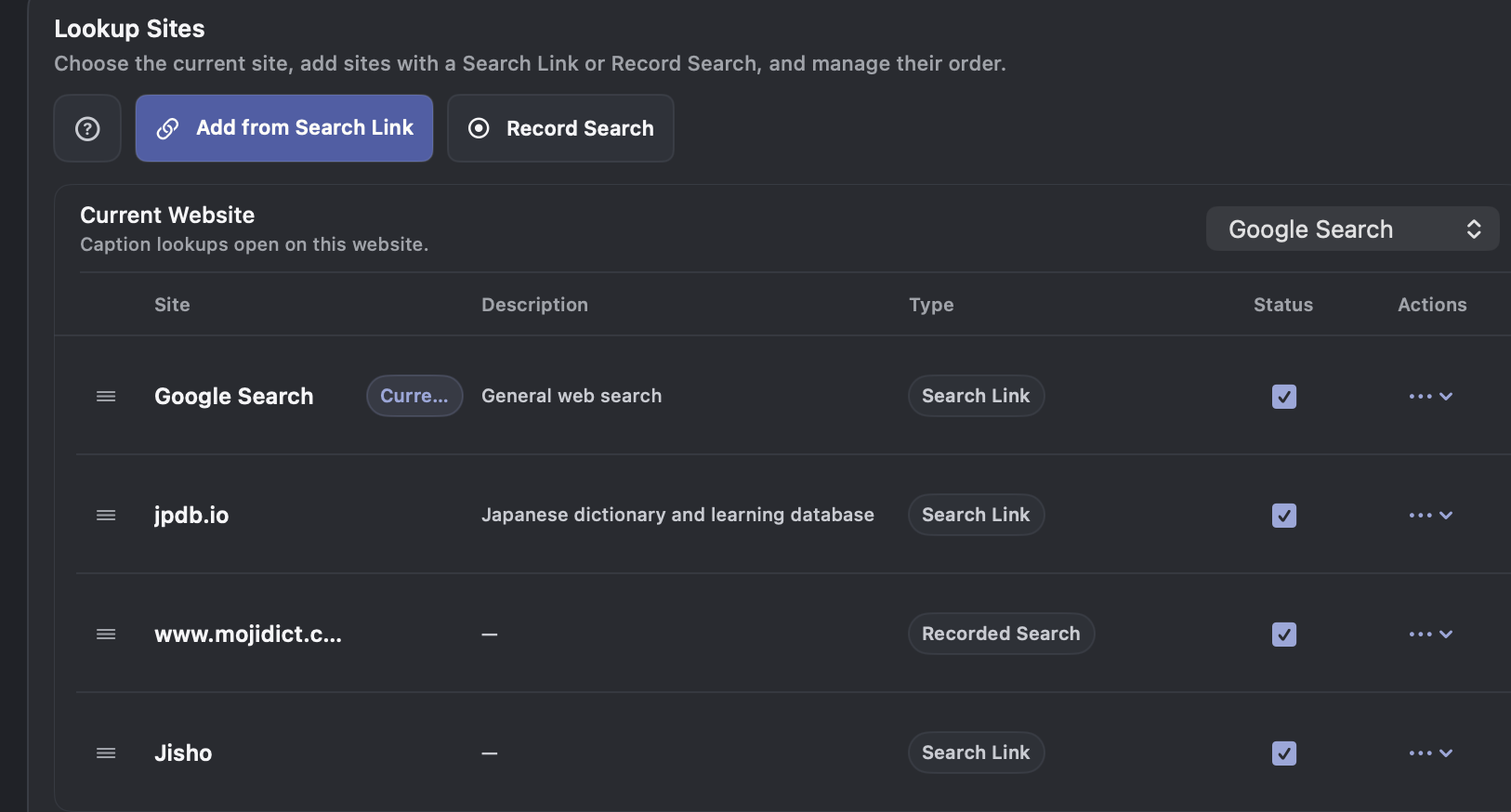
Lookup destinations
Choose the current site, add your own, and control their order from one place.
Private by design
Audio and captions are processed locally with downloaded Apple speech models. PhraseLens does not operate a server that receives your audio or stores your transcript history.
Audio from a supported browser or Mac app you select, plus microphone input for nearby or external audio.
Japanese is the primary learning experience, including furigana and phrase-aware grouping. English and Simplified Chinese caption recognition are also supported.
No. Speech recognition uses a downloaded Apple model and runs on your device.
Only the text you choose to look up is sent to the third-party site you selected. That site’s own privacy practices apply.
PhraseLens requires an Apple M1 or later Mac running macOS 26.0 or later. Intel Macs are not supported.
PhraseLens — Immersive Captions
Coming to the Mac App Store as a one-time purchase.